AES 256 GCM
Authenticated encryption through the browser’s own Web Crypto API. Nothing to install, nothing sent anywhere.
Your network documentation is a map for attackers. TheOneFile keeps it on your machine, in one file, encrypted if you want it. No server, no account, no cloud.
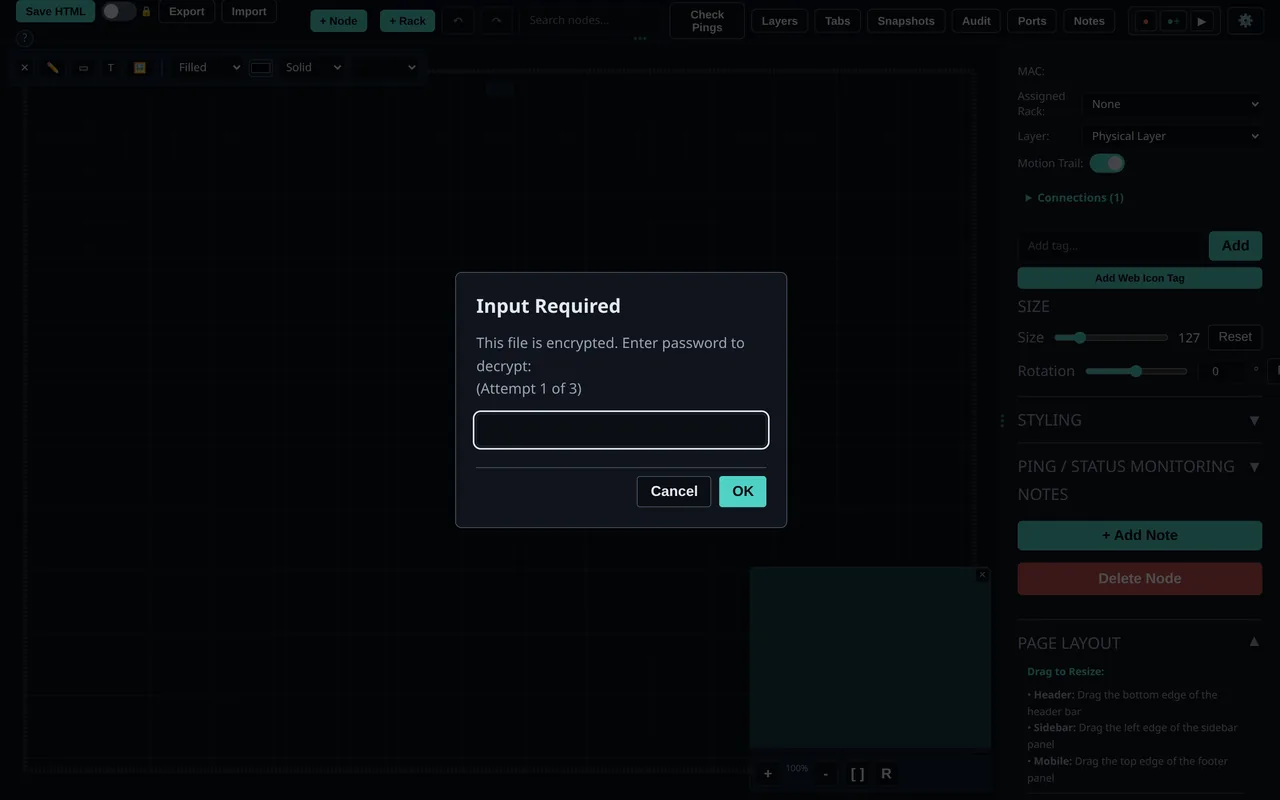
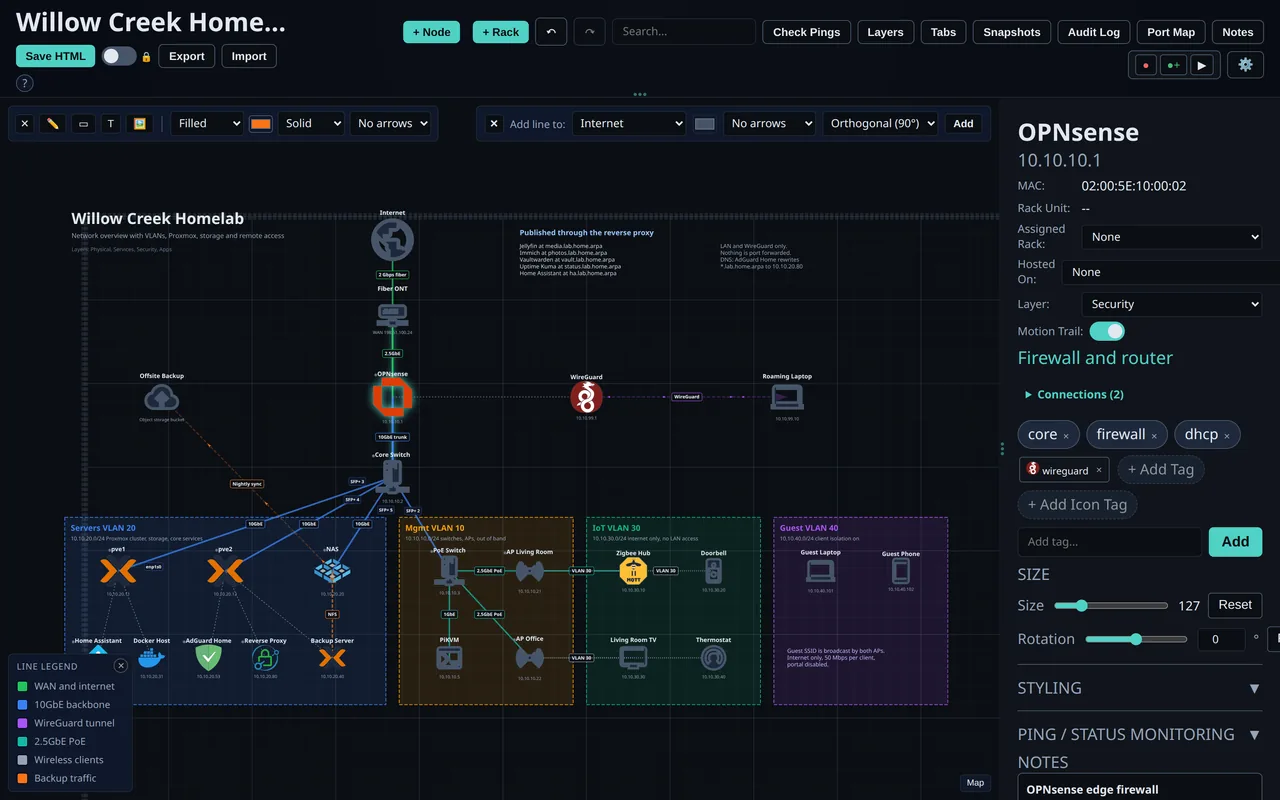
Turn on encryption and every save is locked before it is written. Without the password the file shows nothing but a lock screen.
Authenticated encryption through the browser’s own Web Crypto API. Nothing to install, nothing sent anywhere.
Your password is stretched with PBKDF2 and 600,000 iterations. Older files remember their own settings, so they still open.
There is no backdoor and no reset. Lose the password and the data stays locked. Keep it somewhere safe.
Encrypted saves get a generic title and filename, keep no selected node details, and leave no plain text copy in rollback history, autosave or the port map.
Opened from a plain http address where the browser blocks Web Crypto, the file tells you why instead of throwing an error.
Each Core demo is also published encrypted. Open the locked homelab demo; its password is in password.txt.
A map someone sends you should never be able to run code. Versions 4.2.0 and 4.2.0 closed every path we found.
When you self host TheOneFile_Verse, the server is hardened too.
Every change is checked against the sender’s role on the server, for WebSockets and HTTP alike. View only means view only.
AES 256 GCM for stored secrets, including two factor secrets and backup codes, with the key kept in a protected key file.
Probes, webhooks and the SMTP test refuse loopback, metadata and private targets where they do not belong. Webhooks no longer follow redirects.
Two factor codes on magic link and SSO sign in, constant time code checks, verified email for account linking and https only OIDC endpoints.
Ids, colours and recordings are checked on the way in and out, with a parse5 backed sanitizer that falls back to plain text.
Guest rooms capped at 5 MB each and 300 in total, an instance room limit and storage quotas, all adjustable.
Read the full list in the changelog and the TheOneFile_Verse changelog.